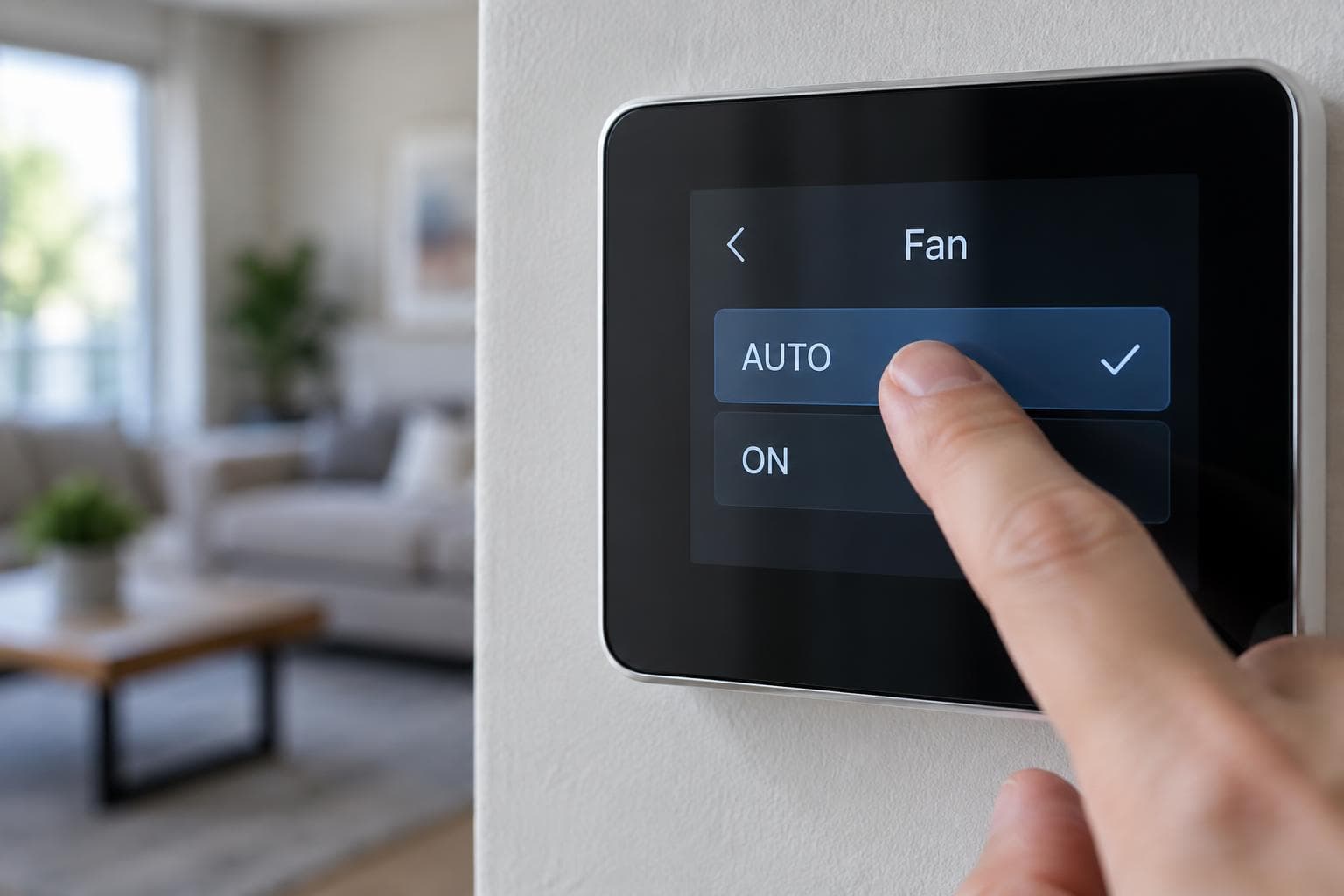
The fan setting changes when your indoor blower runs. It does not determine whether the thermostat is set to COOL or HEAT. For most Houston homes in cooling season, AUTO is a sensible starting point, particularly when indoor humidity is a concern.
What AUTO Does
With AUTO, the blower operates when the thermostat calls for heating or cooling, then stops according to the equipment controls. In cooling mode, that helps avoid blowing air over a wet cooling coil long after the compressor stops. It also avoids the electricity used by running the blower continuously.
What ON Does
ON keeps the blower circulating air even between heating or cooling calls. It may help mix air and provide more filter run time. But in humid weather, continuous airflow over a wet coil can return some moisture to the air. Fan energy and filter loading also increase. ON does not make the outdoor cooling equipment run continuously; it only commands the indoor fan.
Some thermostats offer a circulate setting that runs the blower for limited intervals. Its behavior varies by model. If ventilation equipment or an air cleaner depends on fan operation, follow the design and control instructions for that setup instead of changing modes blindly.
If Rooms Still Feel Uneven
Trying ON for more mixing is reasonable, but it is not a repair for disconnected ducts, poor returns, or a sizing issue. Watch how the home feels and whether humidity becomes worse. A thermostat's humidity reading can be useful, but a persistent comfort problem deserves an airflow assessment.
For more on thermostat schedules, see our Houston smart thermostat guide. If changing the fan mode exposes a comfort or moisture issue, talk with NexAir Solutions.
Further reading: ENERGY STAR guidance on humidity control.