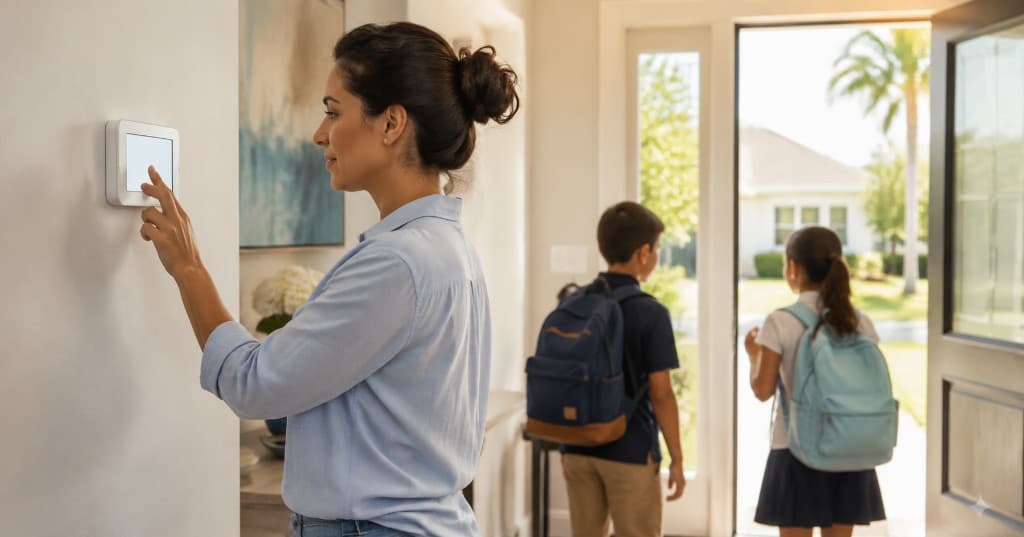
Back-to-School Thermostat Settings for Houston Homes
Energy Savings

Back-to-School Thermostat Settings for Houston Homes

NexAir Solutions

When school starts, weekday routines change fast. The house may sit empty during the day, then fill again with kids, homework, and after-school activity. Smart thermostat schedules can match that rhythm without leaving the home muggy or overspending on cooling.


Why School Season Needs a New Schedule


Summer “home all day” settings rarely fit August and September weekdays.


Typical changes include:

  • Empty hours during school
  • Afternoon return when outdoor heat peaks
  • Evening homework and dinner occupancy
  • Weekend schedules that differ from weekdays
  • Activity rooms that get used more after school

  • A schedule built for summer break often wastes energy or underserves late-day comfort.


    A Practical Weekday Approach


    Raise the setpoint while the home is empty, then recover before everyone returns.


    Helpful pattern:

  • Comfortable setting for morning routines
  • Modest setback after the house empties
  • Recovery start before the first person gets home
  • Steady evening comfort for homework and dinner
  • Overnight setting that protects sleep without extreme cold

  • Avoid huge setbacks that force a long, hard recovery in peak heat.


    Humidity Still Matters When Nobody Is Home


    Turning the AC up too far can leave the house damp by afternoon.


    Keep in mind:

  • Houston air holds a lot of moisture
  • A closed home still gains heat through the day
  • Sticky air makes after-school comfort worse
  • Fan auto is usually better than fan on
  • Clean filters help recovery run efficiently

  • Protection and savings work together when the setback is moderate.


    Use Room-by-Room Habits That Help


    Thermostat schedules work better with simple household habits.


    Easy wins:

  • Close blinds on sun-facing windows before leaving
  • Keep bedroom doors arranged for airflow if needed
  • Do not close most vents to “force” air elsewhere
  • Run ceiling fans only in occupied rooms
  • Confirm smart-home away modes are not fighting your schedule

  • Small habits reduce how hard the system has to work at pickup time.


    Smart Thermostat Features Worth Using


    If you have a connected thermostat, school season is when schedules pay off.


    Useful tools:

  • Weekday vs weekend programs
  • Hold or temporary overrides for early-release days
  • Remote adjustments for schedule changes
  • Temperature alerts if the home gets too hot
  • Sensors in rooms kids actually use, when available

  • Technology helps only when the schedule matches real life.


    After-School Comfort Without Overcooling


    Kids coming in hot from outdoors often ask for a colder setpoint.


    Better approach:

  • Recover to a normal comfort setting before arrival
  • Use fans in homework areas
  • Avoid slamming the thermostat several degrees colder
  • Check whether one room needs airflow attention
  • Address chronic hot rooms separately from whole-home settings

  • Overcooling the whole house for one warm afternoon is an expensive habit.


    When Comfort Problems Are Not About the Schedule


    Call for service if:


  • The home never recovers by late afternoon
  • Humidity stays high at reasonable settings
  • One floor or room stays hot despite schedule changes
  • Bills jump without a clear usage change
  • The system short cycles or freezes during recovery

  • Back-to-school season is a good time to align cooling with your real routine. For thermostat help or a comfort check in Houston, contact NexAir Solutions.